At Pureun Angyeong (푸른안경), an eyewear shop between Gangnam and Sinnonhyeon stations, I tried on the Ray-Ban Meta Wayfarer Gen 2 and checked the app pairing, camera and voice features, and the charging case.
In this article Show
- Why I Chose to Try AI Glasses In-Store Instead of Online
- A Shop in an Alley Between Gangnam and Sinnonhyeon Stations, With a Ray-Ban Banner
- Comparing Designer Frames, From Gucci to Paul Smith, Under Bright Lighting
- Ray-Ban Meta Wayfarer Gen 2
- App Pairing, Camera and Voice Features With Staff Guidance
- The Gen 2 Package Comes With a Charging Case
- What I Liked About Trying Before Choosing
Why I Chose to Try AI Glasses In-Store Instead of Online
Lately I keep hearing that AI has moved beyond phones and computers and into eyeglasses. Photo and video capture are a given, and you can also listen to music, take calls and use voice features, so I'd been meaning to try a pair on myself at some point.
But smart glasses are something you wear on your face for a good part of the day. No matter how much you like the design, if they're heavy or don't suit your face shape, there's a good chance they'll end up in a drawer. So instead of ordering online based on photos, I went to Pureun Angyeong (푸른안경) in Gangnam, where I could actually try them on before choosing.
My goals for this visit were to browse the various frames and sunglasses on display and, above all, to try out the Ray-Ban Meta Wayfarer Gen 2 I was most curious about.
A Shop in an Alley Between Gangnam and Sinnonhyeon Stations, With a Ray-Ban Banner
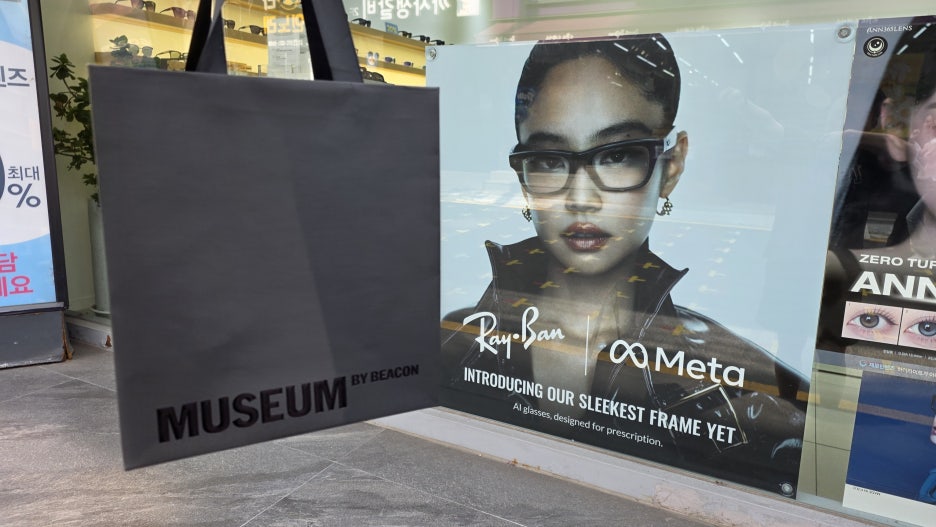
Pureun Angyeong is at 24 Bongeunsa-ro 2-gil, Gangnam-gu, Seoul, tucked inside an alley between Gangnam Station and Sinnonhyeon Station. The large Pureun Angyeong sign and Ray-Ban banner on the storefront stand out from a distance, so I found it right away without wandering around the alleys.
The area is full of restaurants and cafes, so it's an easy place to drop by and look at glasses before or after a meal or meeting. If you plan to drive, it's probably best to check ahead whether parking is available.
The exterior had a clean look combining white with light wood tones. The front is made of wide glass windows, so you can clearly see the glasses and sunglasses on display before you even go in.
Next to the entrance was a large poster with both the Ray-Ban and Meta logos. Seeing the product I was looking for right at the door assured me I'd come to the right place. I'd assumed smart glasses would have obvious mechanical parts, but the pair in the poster looked as natural as ordinary horn-rimmed glasses, which made me even more curious to see the real thing.




Comparing Designer Frames, From Gucci to Paul Smith, Under Bright Lighting
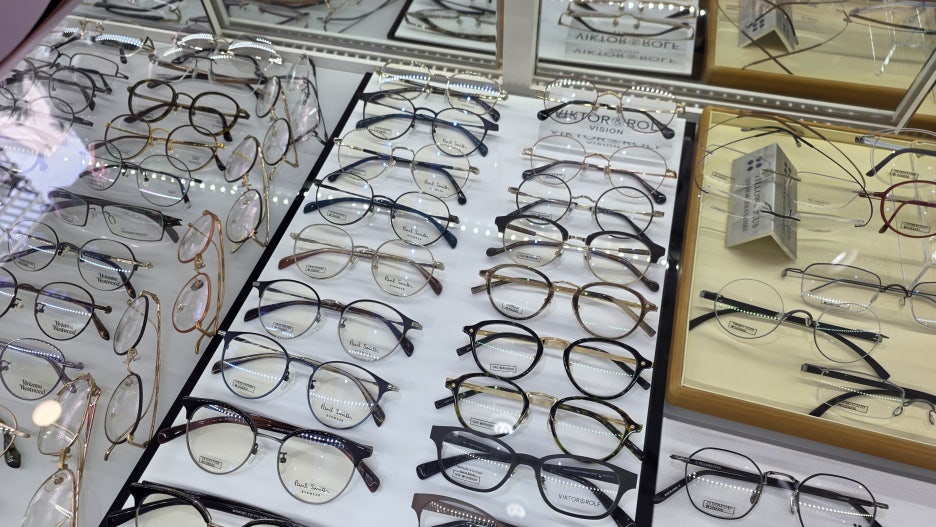
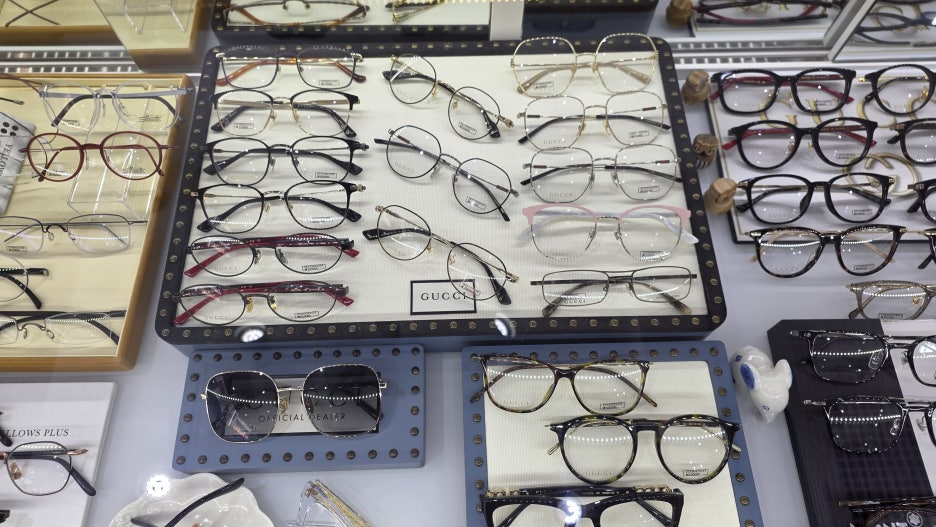
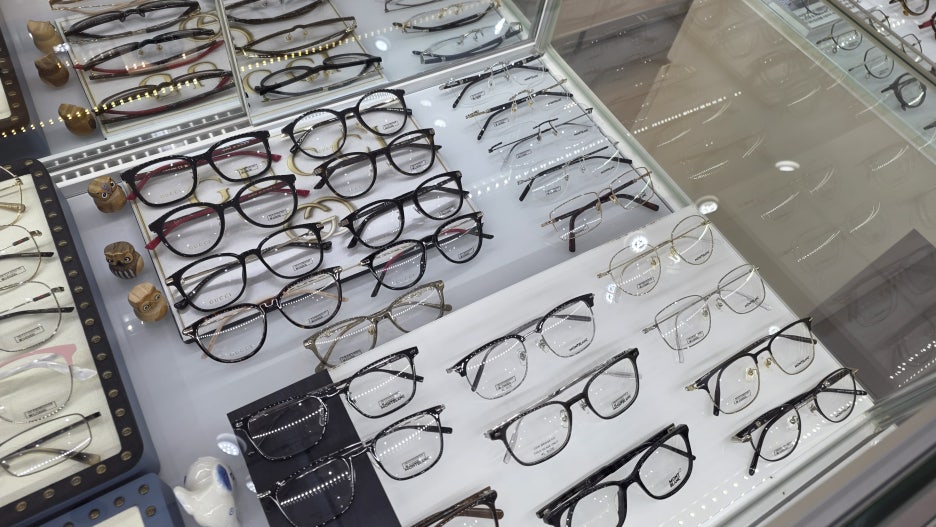
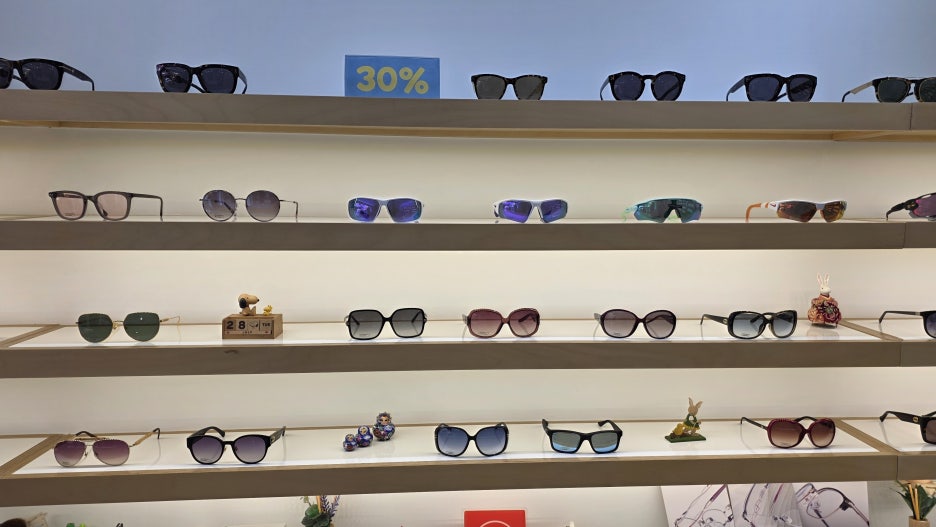
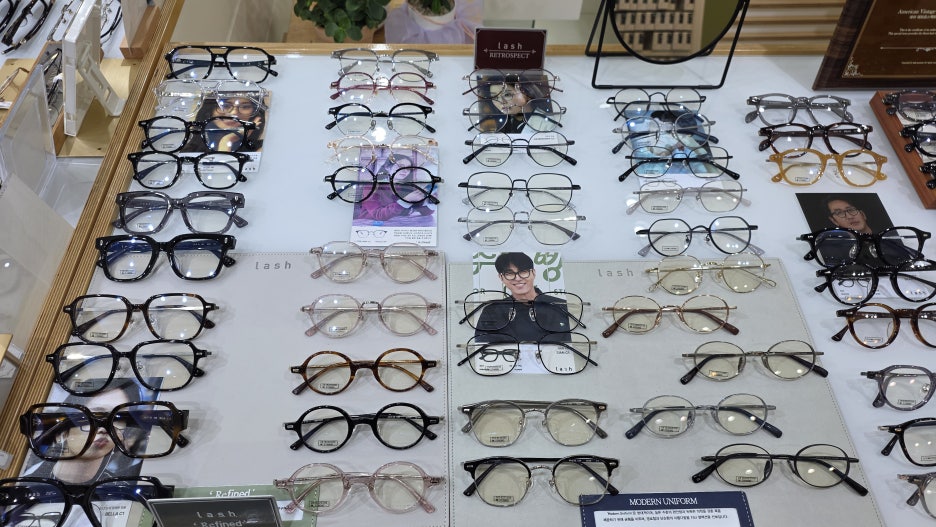
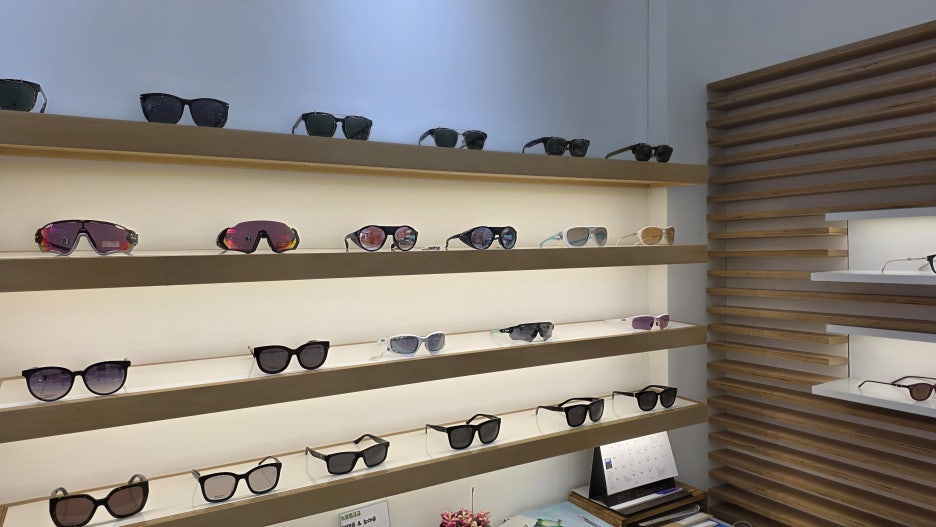
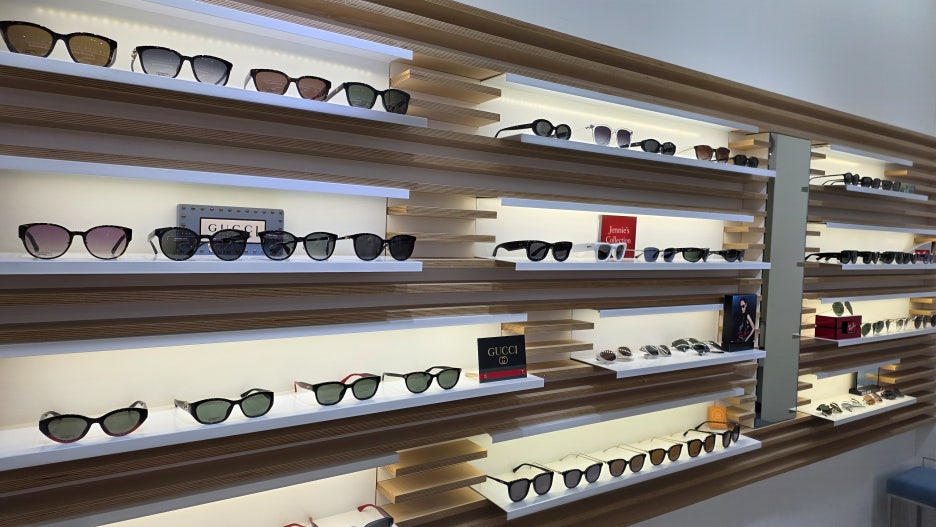
Like the exterior, the interior was done mainly in white and wood. Display shelves with indirect lighting ran along the walls, and thanks to the bright lighting, I could see frame colors, lens tints and even small decorative details fairly clearly.
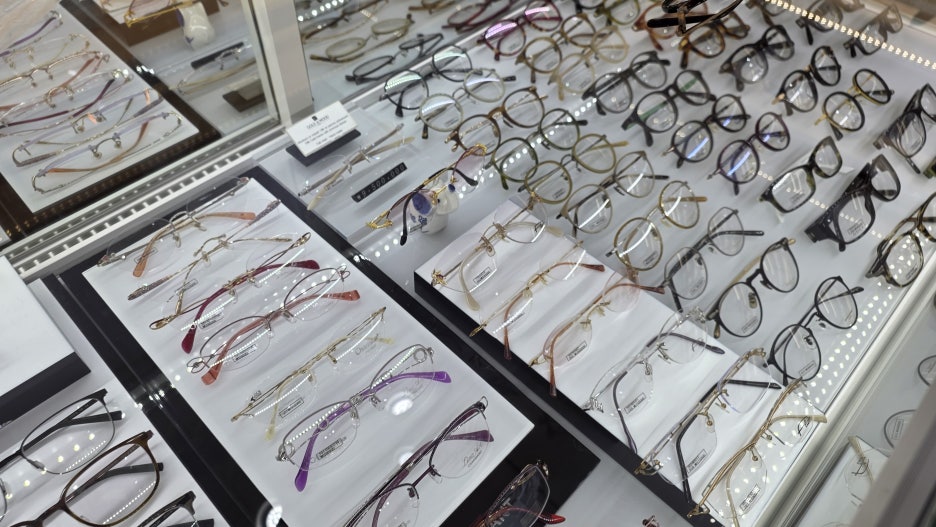
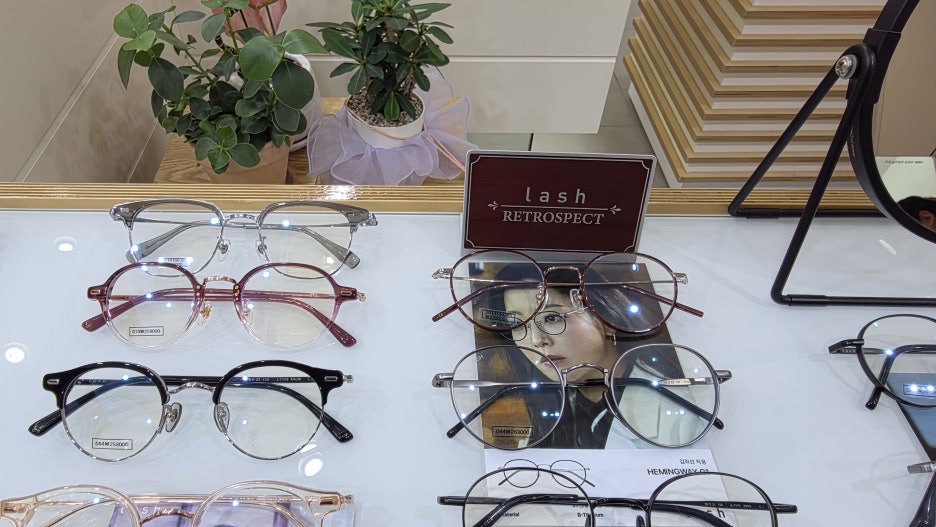
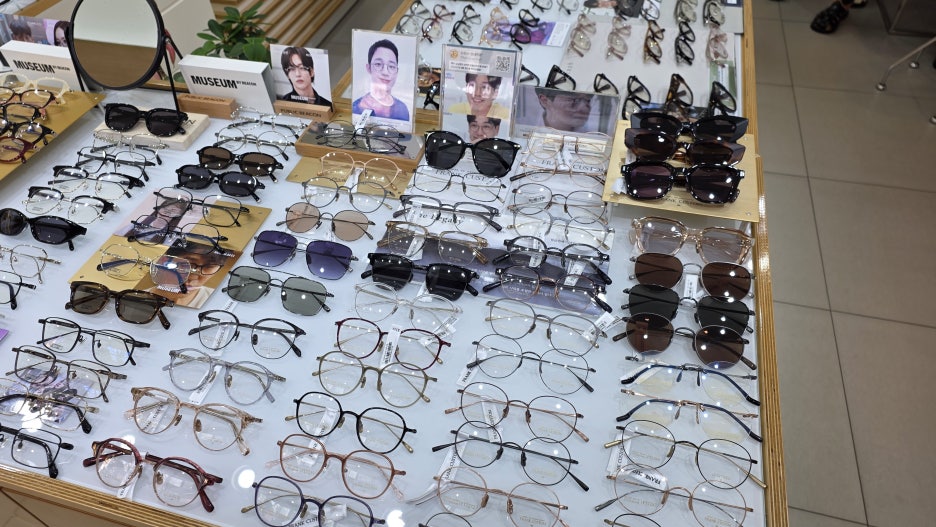
The shelves held frames from many brands, including Ray-Ban, Gucci, Paul Smith and Vivienne Westwood. There was a huge variety, from classic horn-rims to thin metal frames, clear frames and sports sunglasses, so time flew by after just one lap around the shop.
Glasses look completely different on the shelf than on your face. For me too, a frame that looked great on the shelf felt too big once I actually put it on, while an ordinary pair I picked up without much expectation turned out to suit me surprisingly well.
With the mirrors I could see myself from the front and the side, so it was easy to compare designs that suit my face shape. Contact lens products were also arranged on one side, so it seemed like a good shop for anyone wanting to look into glasses and contacts at the same time.

Ray-Ban Meta Wayfarer Gen 2: First Impressions in Hand
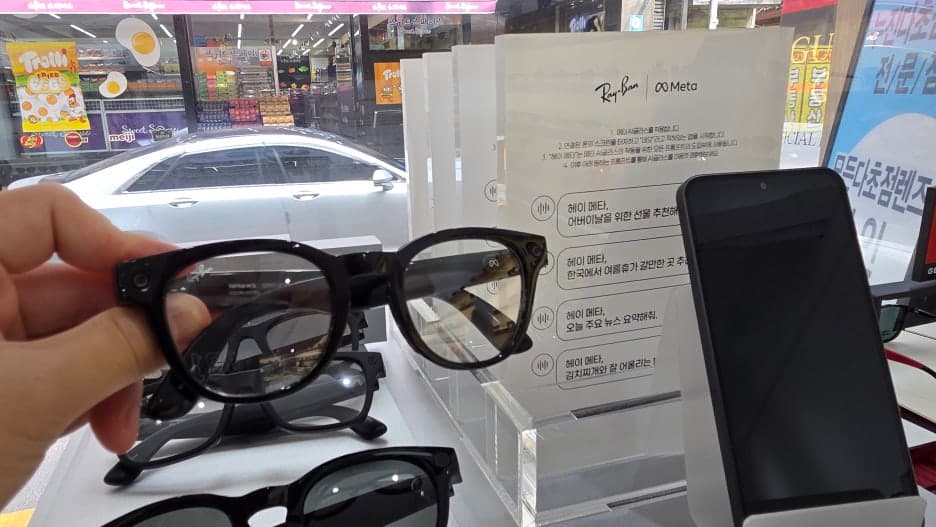
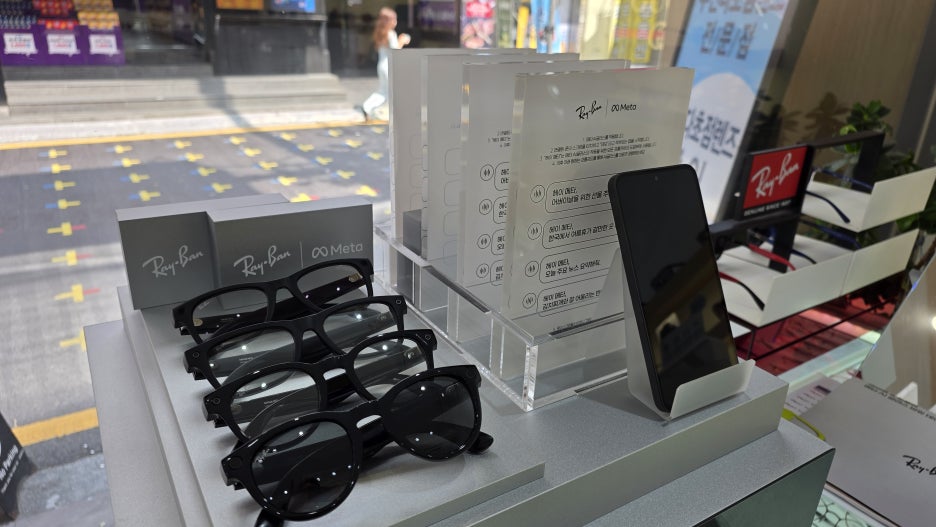
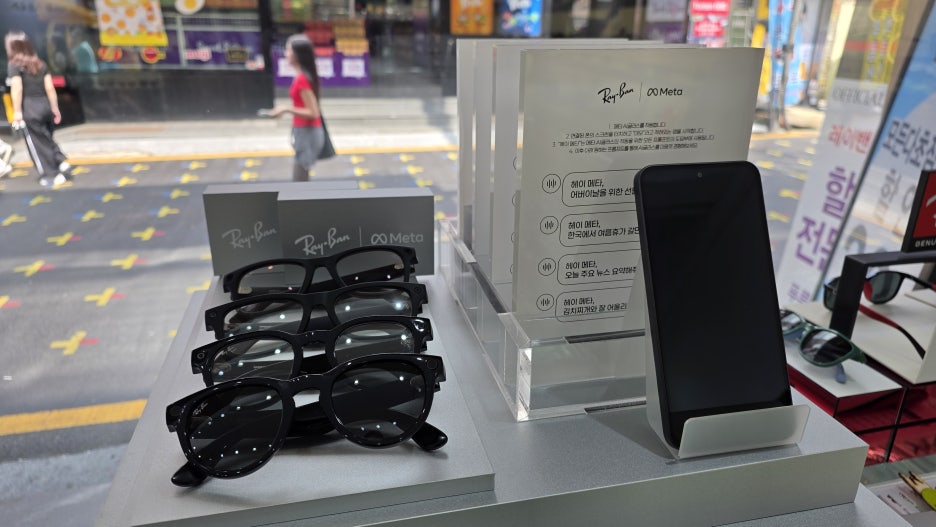
The main purpose of this visit was to check out the Ray-Ban Meta AI glasses in person. Demo units were displayed separately near the entrance, and you could compare frames with regular lenses and frames with sunglass lenses side by side.
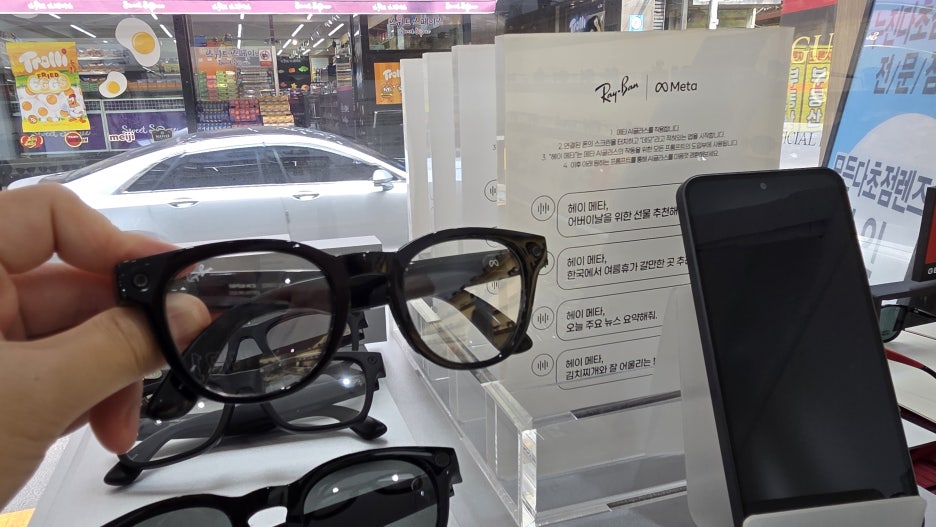
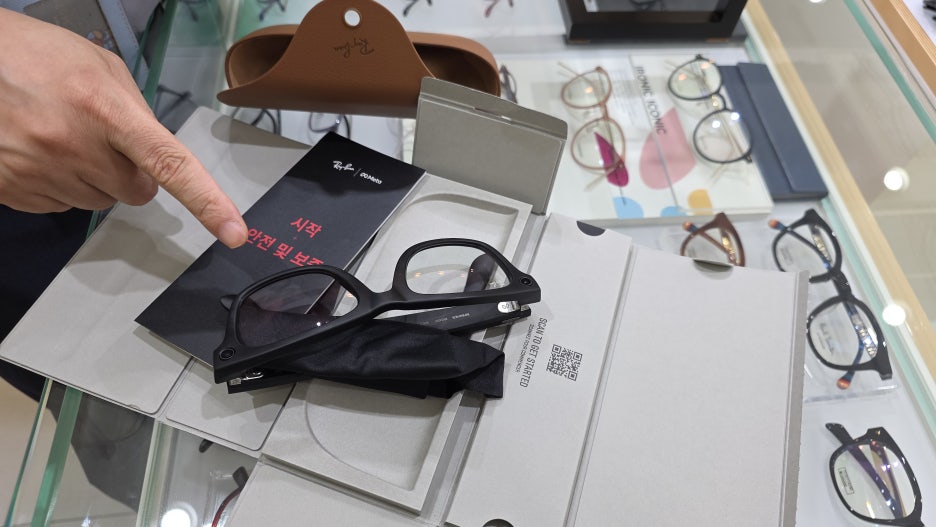
When I first picked them up, I was a little surprised at how similar they were to regular glasses. The frame is slightly thicker than a standard Wayfarer, but from a short distance it isn't obvious that it's a smart device. Ray-Ban's classic design is kept intact, so it gave the impression of fashion eyewear rather than an electronic gadget.
Looking closely, there's a camera and an indicator light on the front of the frame, and the speakers and controls are built into the temples. It was fascinating that these components fit inside what looks like a familiar Wayfarer.
Because of the electronics inside, they felt heavier than a very light frame. Still, when I tried them on briefly, the weight didn't tip noticeably toward the front. However, it looked like the fit could vary quite a bit depending on face width and nose height, which made me think trying them on in person is essential for a product like this.
App Pairing, Camera and Voice Features With Staff Guidance
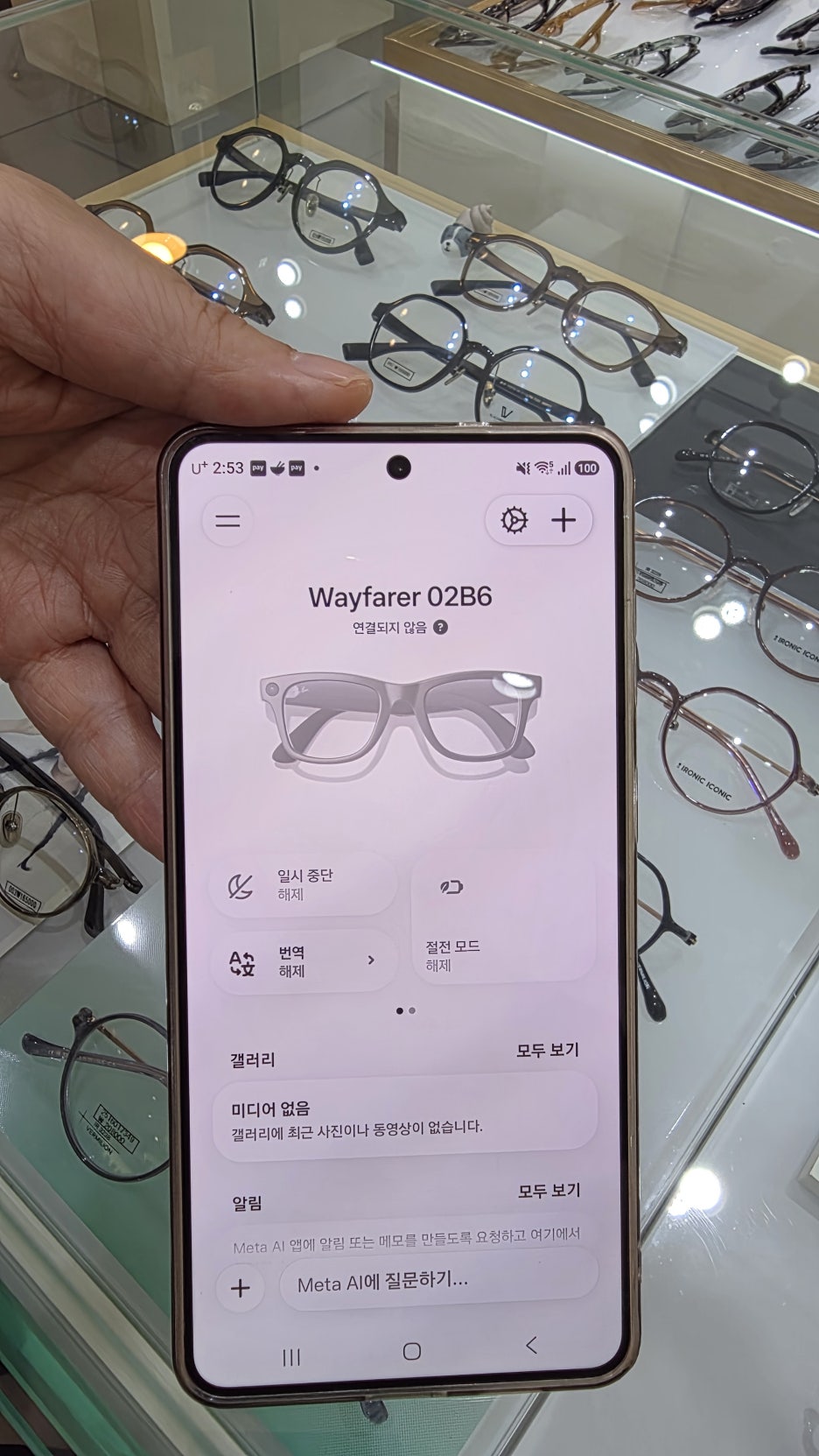
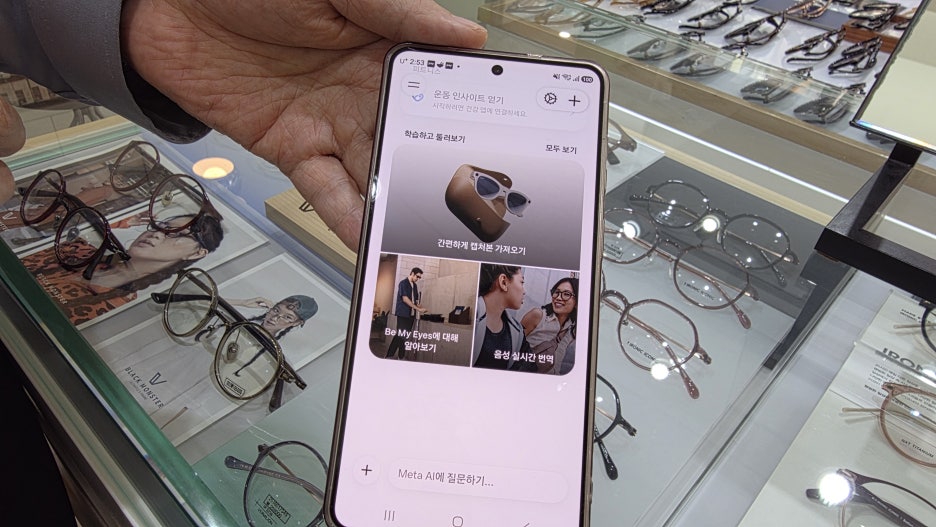
With a staff member's guidance, I also went through pairing the glasses with the smartphone app myself. An image of the Wayfarer model appeared on the app screen, and by following the on-screen steps, connecting was easier than I expected.
In the app you could view photos and videos taken with the glasses and manage features such as translation and power-saving mode. Going through this made it clear that the glasses aren't a standalone device but are designed to be used paired with your phone.
The most interesting part was being able to record a scene exactly from your own line of sight while wearing them. In situations where you need your hands free, like traveling or taking a walk, I could see myself capturing photos and videos without pulling out my phone. With music, calls and voice commands also available, they felt close to an everyday wearable.
On the other hand, since the product can take photos and video, it seemed essential to respect other people's privacy and each location's filming rules when using it.

The Gen 2 Package Comes With a Charging Case
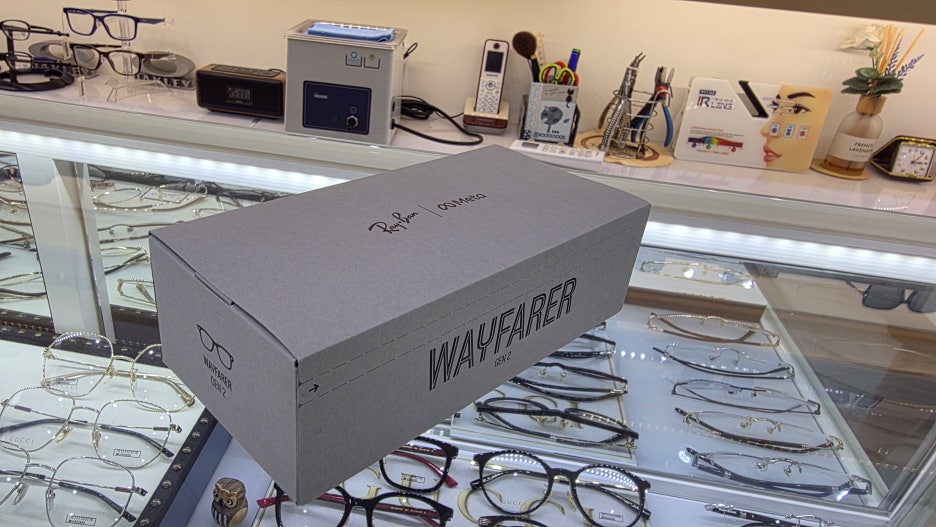
The product package I received when purchasing had the Ray-Ban and Meta logos printed on it along with the Gen 2 marking. Even the box made it feel like a different kind of product from regular sunglasses.
The dedicated case both protects the glasses and charges them, so it serves a different purpose from an ordinary sunglasses case. It looks like a regular glasses case from the outside, but the built-in charging is what makes it distinctive to this product. Since the glasses charge naturally just by being put in the case when you're not using them, upkeep didn't seem like a hassle.
Opening the package really drove home that this is a smart device where you have to think about battery, app pairing and storage as well as design. There are simply a few more things to consider than when choosing regular glasses.
What I Liked About Trying Before Choosing
At Pureun Angyeong in Gangnam, it was great to be able to compare glasses from several brands and also try the Ray-Ban Meta product in person. Above all, the biggest advantage was being able to actually compare the weight, frame size and how they sit on the nose, which are hard to judge from online photos.
The Ray-Ban Meta AI glasses neatly fit a camera, speakers and voice features into the classic Wayfarer design. If you often take photos or videos, or you're into new gadgets, you'll probably find them quite interesting.
However, since it's something you wear on your face for long periods, I'd recommend trying them on and checking the fit before deciding, rather than going by design alone. If you want to try Ray-Ban Meta AI glasses near Gangnam or Sinnonhyeon, or compare glasses from several brands in one place, Pureun Angyeong is worth keeping in mind.
Check opening hours and closing days on the map before you go.

Contains affiliate links. Your price stays the same.
This box contains affiliate links. If you book through them, Mudung may earn a commission at no extra cost to you.
 Read nextSame neighborhoodGangnam Station Dessert Cafe: Mango Sherbet Latte, 3 Floors₩8,500Read →
 Read nextSame neighborhoodGangnam Station Lash Lift: A Natural C-Curl with No WaitRead →